 YTGet
YTGet
Download videos and music
without the hassle.
YTGet is a desktop app for YouTube, YouTube Music and 70+ other sites. Paste a link, pick a quality, and let the queue do the rest - complete with MP3 tags, album art, subtitles and thumbnails.
Windows 10 & 11 (64-bit) · no Python needed · no ads, no trackers, no account.
Everything you need, nothing you don't
Built around a single idea: paste a link and get a properly named, properly tagged file.
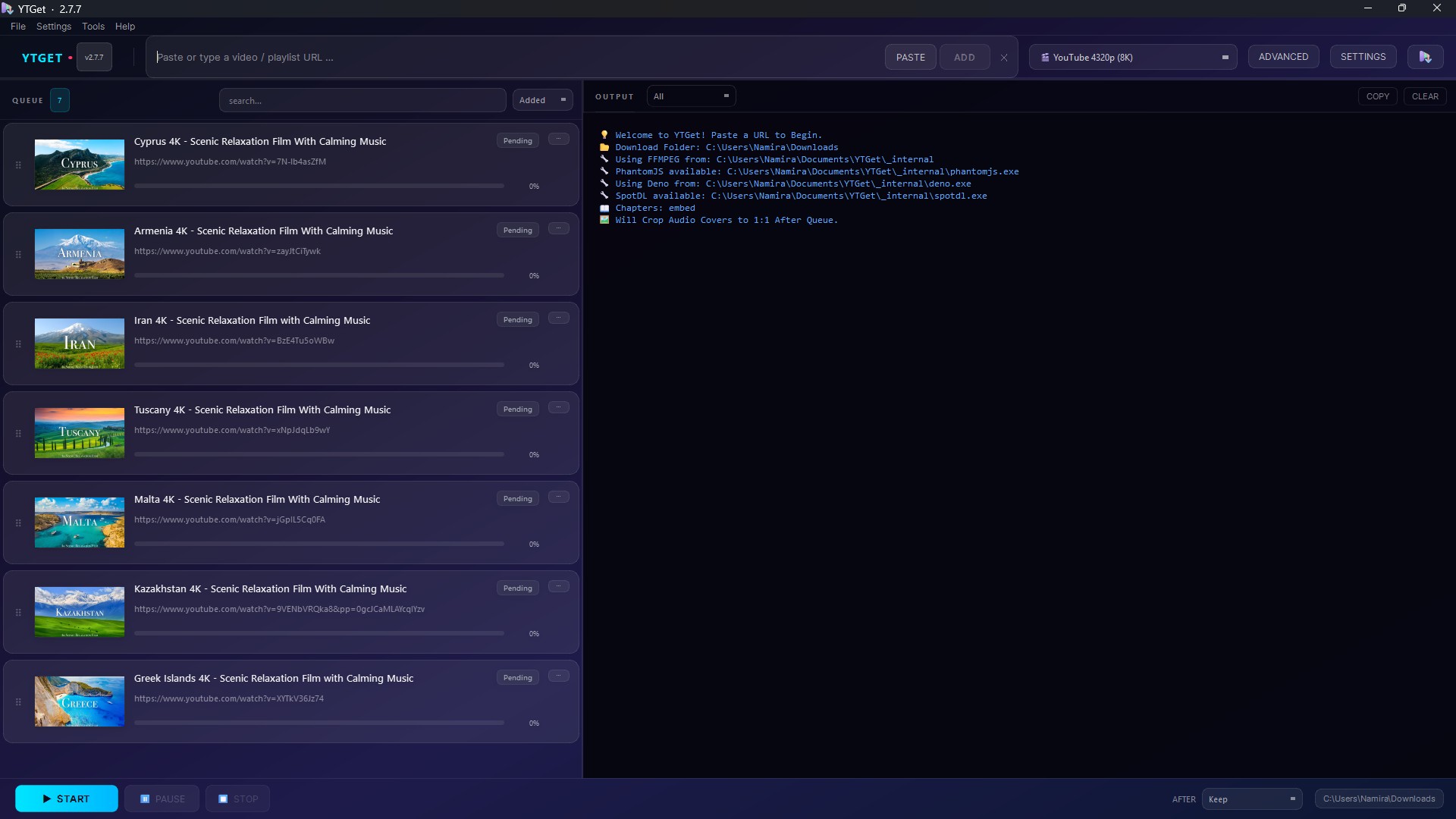
A real download queue
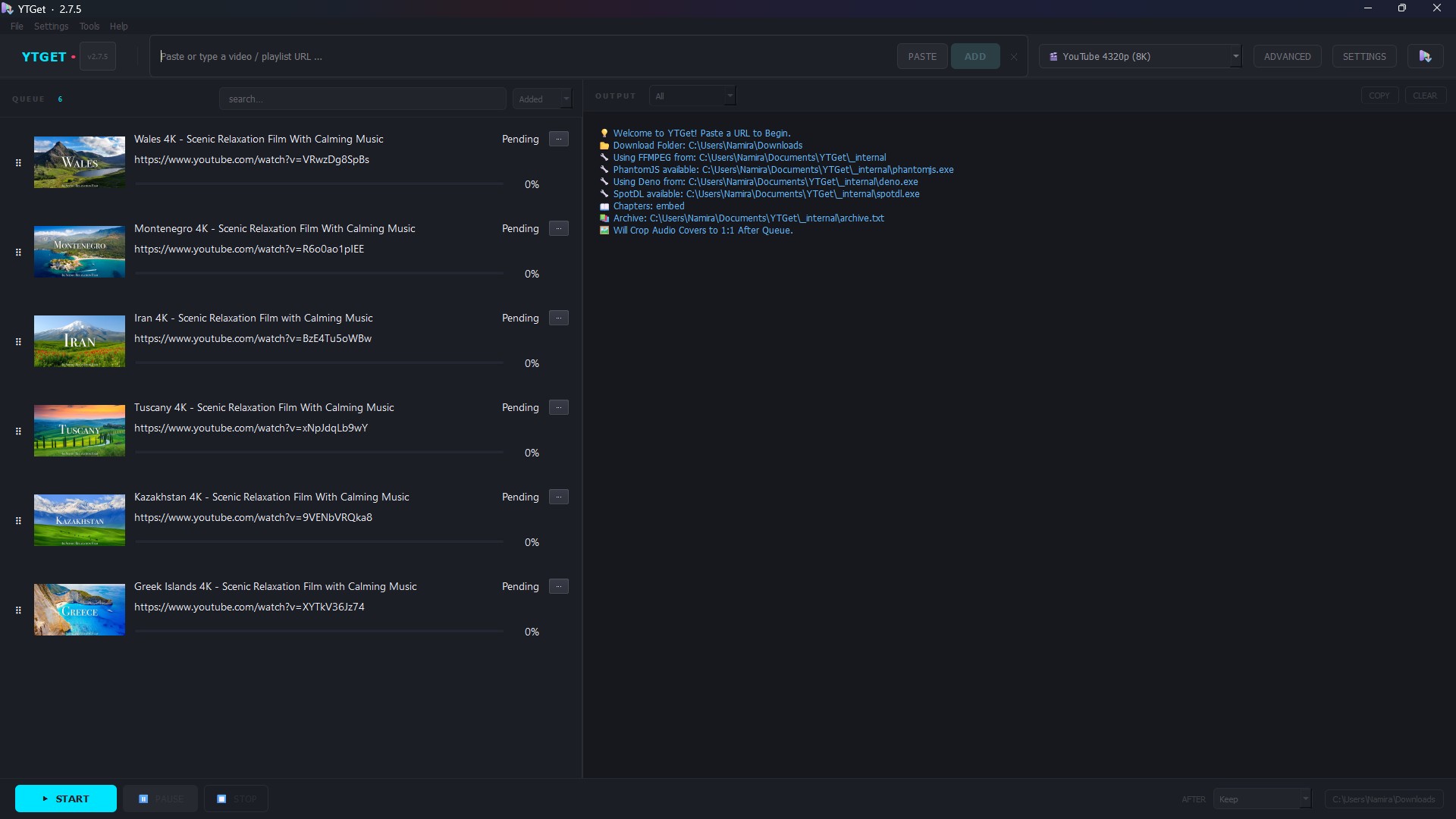
Add as many links as you like. Start, pause, skip or remove items, and watch live progress, speed and ETA for each one.
MP3 with album art
Audio downloads arrive tagged, with cover art embedded and centre-cropped to a clean square as each item finishes.
Up to 8K video
Pick any resolution from 144p to 4320p, or let YTGet choose the best available. Video and audio are merged automatically.
Playlists and albums
Queue a whole playlist or album in one go, with an archive file so re-running a playlist only fetches what is new.
Clipboard watcher
Copy a link anywhere and YTGet can queue it for you - automatically, or after asking, depending on the site.
Clips and sections
Grab just the part you want by setting a start and end time, and choose sponsor-segment removal per item.
Scheduler
Run the queue overnight: pick days and times to start and stop, then sleep, shut down or just close when it is done.
Sensible file names
Customisable naming templates, subtitles, chapters and thumbnails - so your library stays tidy without manual renaming.
New in 2.8.1 new
A scheduler that really fires, a clean exit from the tray, the right taskbar icon on every launch, an optional yt-dlp log and a thumbnail viewer in the queue.
Download YTGet
Latest release: 2.8.1 · release notes
- Sets up shortcuts and uninstall for you
- Optional "start with Windows"
- Installs for the current user - no admin rights
- No installation - unzip and run
YTGet.exe - Perfect for a USB stick
- Choose whichever archive format you prefer
- Windows, macOS and Linux
- Python 3.10 or newer
pip install ytget-gui
ytget-gui
Every release ships SHA-256 checksums so you can verify your download. All builds are produced in public by GitHub Actions from this repository.
Getting started
About two minutes, start to finish.
- Download and run the installer. Windows may show a "unknown publisher" warning because the app is not code-signed - choose More info then Run anyway.
- Let it fetch its tools. On first launch YTGet downloads yt-dlp and FFmpeg for you. No manual setup.
- Paste a link into the box and press Fetch to see the title, duration and available formats.
- Pick a format - a video resolution, or MP3 / FLAC / M4A for audio - and click Add to queue.
- Press Start. Files land in your chosen download folder; right-click any finished item to open it or show it in Explorer.
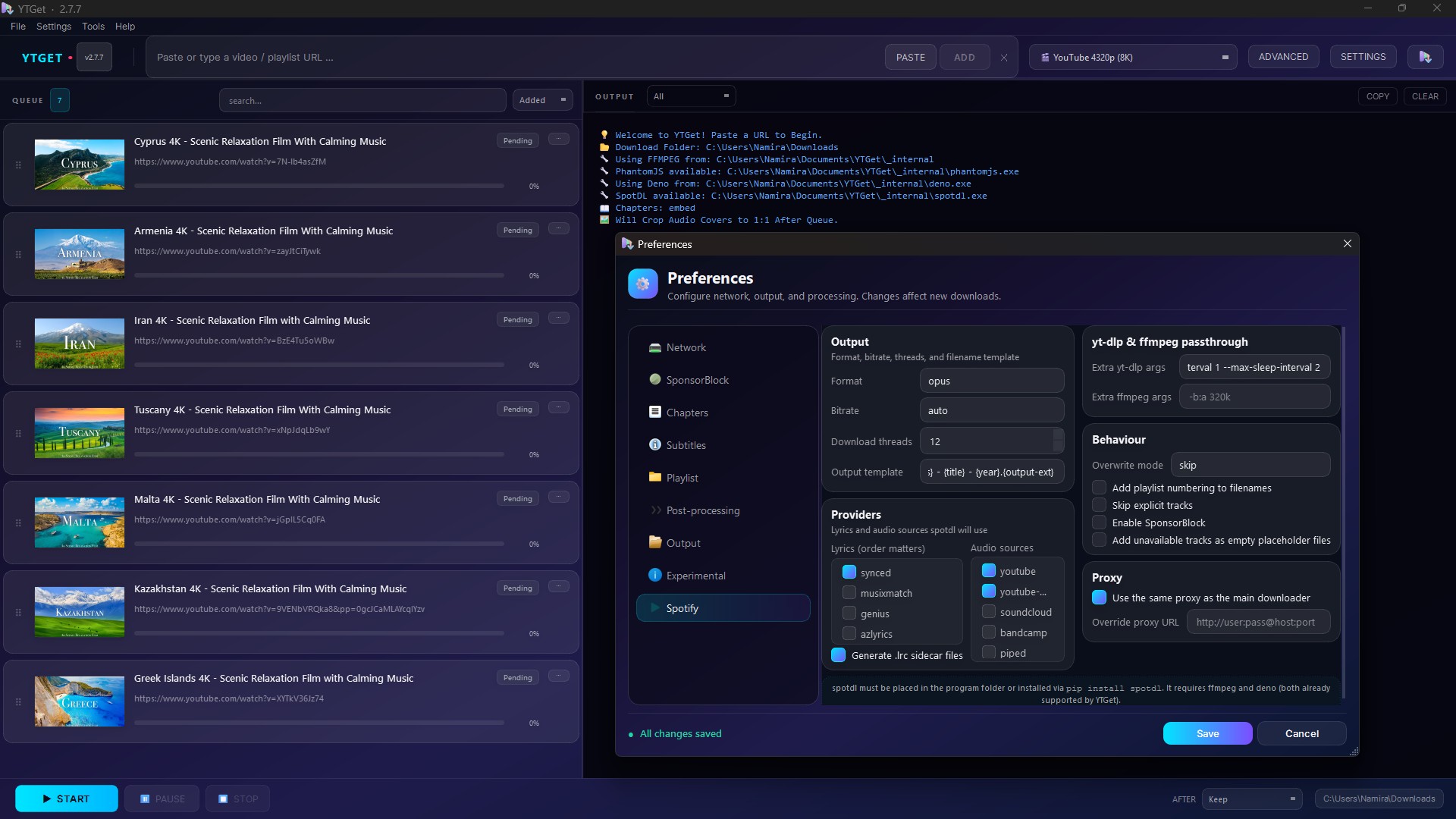
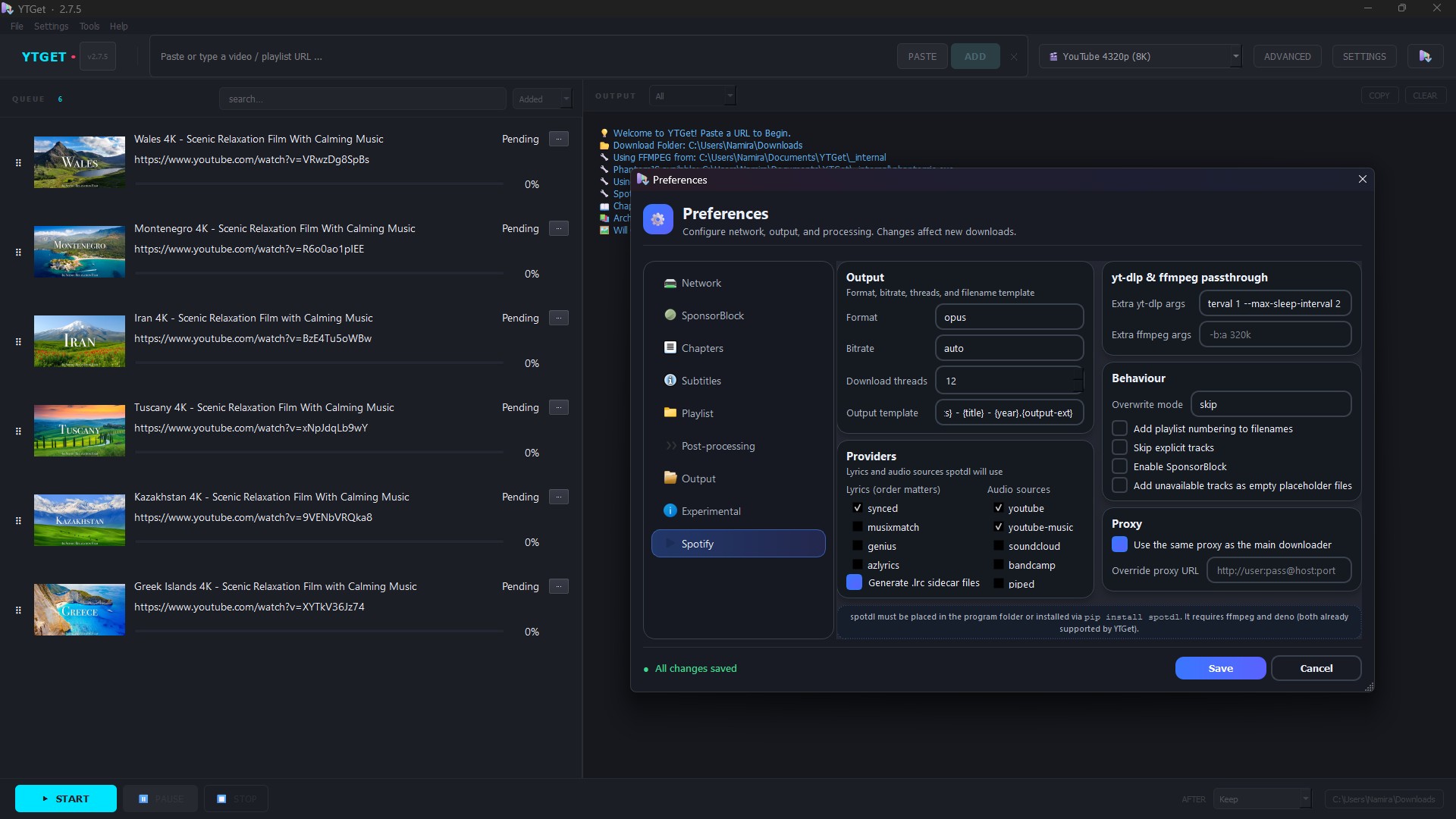
Tip: open Preferences to set your download folder, naming template, subtitle languages, the clipboard watcher and the scheduler. Everything is remembered between sessions.
A look inside
A clean dark interface that stays out of the way.
76 recognised sites
YouTube and YouTube Music are the heart of YTGet, but links from these sites are recognised too - and thousands more work through yt-dlp.
You decide what the clipboard watcher does with links from sites outside your list: queue them automatically, ask first, or ignore them.
Questions
Is YTGet free?
Yes - completely free and open source under the MIT licence. No ads, no accounts, no telemetry.
Why does Windows warn me about the installer?
The app is not code-signed yet, and code-signing certificates are expensive for a free project. Click More info then Run anyway. You can verify the file first using the SHA-256 checksum published with every release.
Do I need to install Python, yt-dlp or FFmpeg?
No. The Windows build is self-contained, and YTGet downloads and updates yt-dlp and FFmpeg by itself.
Where do my files go?
Wherever you choose in Preferences - by default your Downloads folder. Settings and logs live in %LOCALAPPDATA%\YTGet.
Does it work on macOS or Linux?
Yes, from source: pip install ytget-gui then run ytget-gui. Only Windows gets a prebuilt installer today.
Can I download a private or paid video?
Only content you are allowed to access. YTGet can use your browser cookies for things you have legitimately purchased or subscribed to - please respect each site's terms and the rights of creators.
How do I report a bug or ask for a feature?
Open an issue on GitHub. Including the link you used and a copy of the log helps a lot.